Trial Setup
$0
Pick what to block before you subscribe.
- Save your first blocker setup
- Preview the real stretch-first flow
- Then start the 7-day Annual trial
- No enforcement until Premium starts
- No Haven account; settings stay on this device and iCloud
Now live on the App Store
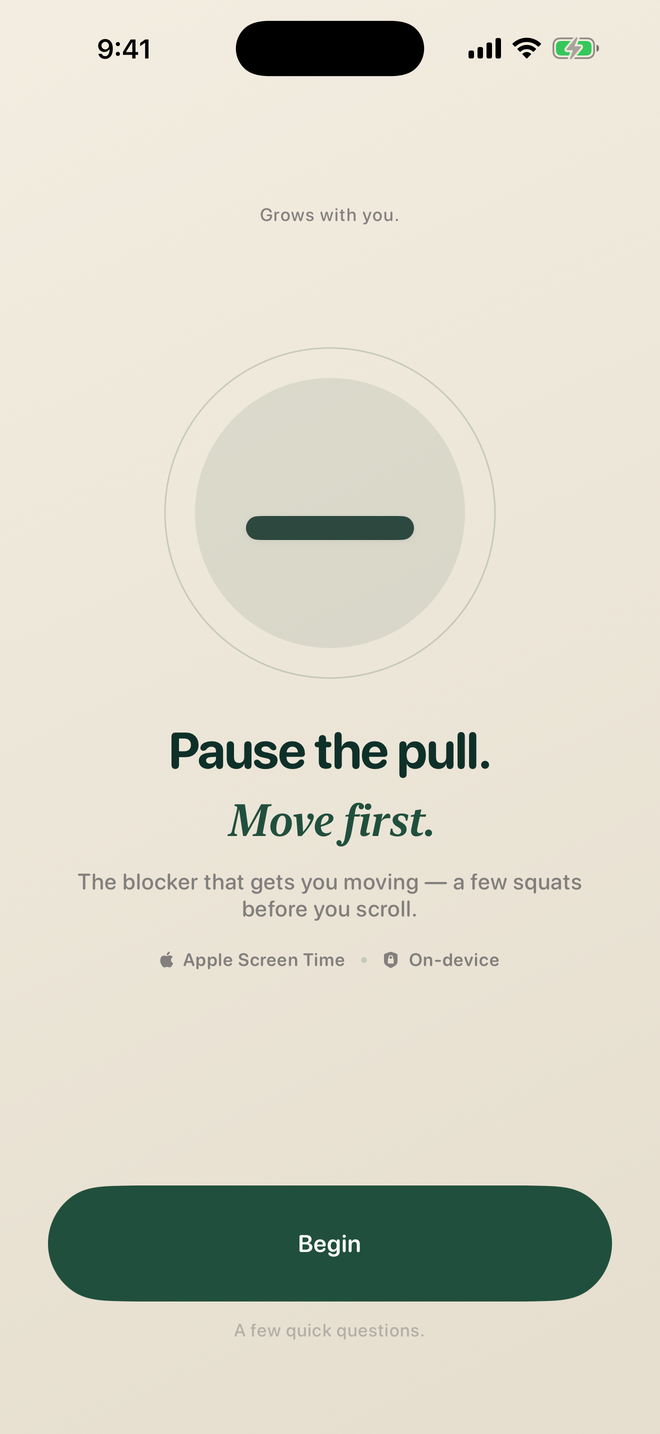
Haven blocks the apps that pull you in with Apple Screen Time, then asks you to stretch before you unlock. The pause is the point — most of the time, you’ll realize you didn’t need the phone.
Available now · 7-day trial · iOS 17+ · No account required
Block first. Stretch. Breathe. Usually you’ll realize you didn’t need the phone — and when you do, it’s there.
The stretch flow
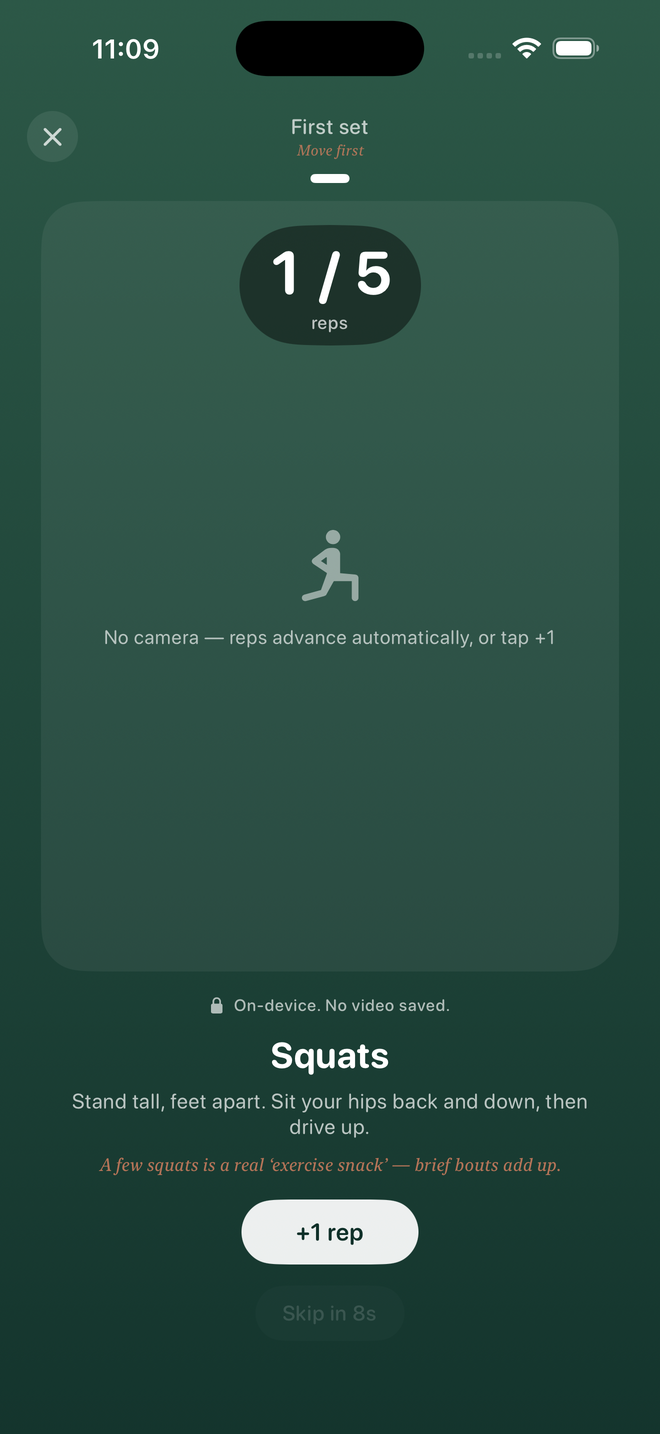
Most blockers let you tap your way back in. Haven asks for something real — a short breath-and-body reset before every guided unblock. Long enough to interrupt the reflex. Short enough to fit in real life.
How it works
Choose apps, categories, or websites. Haven uses Apple’s own Screen Time APIs to shield them — fully blocked, not a soft nudge.
When you reach to unblock, Haven asks for a short breath-and-body reset. Long enough to break the reflex.
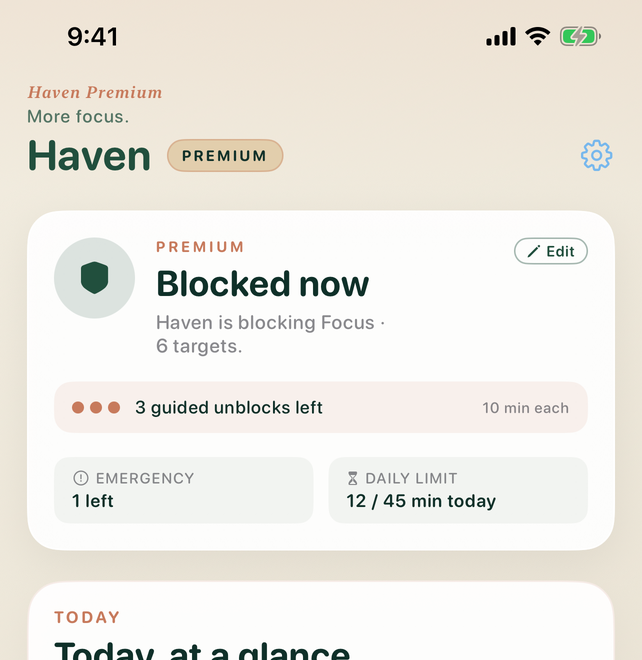
Guided unblocks relock when the timer ends. Emergency unlocks are separate and capped. No streaks. No shame.
What you get
Rooted · Weekly tracking
Rooted is a calm reflection of your phone rhythm. Stones for every stretch kept. A 30-day grid of the days you paused. Pickups and time, laid out quietly — no scoreboard, no streak shame.
The shield · Screen Time
Apps, categories, and websites are fully shielded — the same framework parents use. Haven shows you what’s protected, how many unblocks remain, and when the next window opens.
Controls · Your pace
Set blockers, schedules, and caps once. Change them when life changes. Lock your settings so weakening a rule takes a 24-hour cool-off — stronger protection applies immediately.
The honest version
No account, no email, no sign-in.
Your blocker settings stay on this device and iCloud.
No streaks. No shame copy.
No ads. Ever.
We don’t sell your data.
Cancel in Settings, not ours.
Pricing
$0
Pick what to block before you subscribe.
$6.99/month
Try it for a month.
$49.99/year
Best value. Less than $5/mo.
$299.99once
One payment. Forever.
Subscriptions auto-renew unless cancelled at least 24 hours before renewal. Manage or cancel anytime in Settings → Apple ID → Subscriptions.
Questions
It actually blocks them. Haven uses Apple’s Screen Time framework (the same one parents use), so apps, categories, and websites are fully shielded. To get back in, you start a guided unblock from Haven and move through the stretch flow first.
A tap is too cheap. A body-first pause — breath, a short movement, a real beat — interrupts the reflex that hands like “just open it” even when you don’t want to. Most of the time you’ll realize you didn’t need the phone. When you do, Haven is still there.
No. Haven doesn’t read what you do inside apps. Apple’s APIs only expose what’s needed to enforce the rules you set, and your blocker settings stay on this device and iCloud. No Haven account, no sign-in.
You can finish onboarding and save your first blocker setup. Enforcement, guided unblocks, emergency unlocks, schedules, Rooted history, the premium app icon and widget, and Extreme Mode require an active trial, subscription, or lifetime purchase.
Extreme Mode turns off guided and emergency unlocks everywhere, including the shield — for when cold turkey is the point. It survives reinstall on the same device, and weakening a setting requires a 24-hour cool-off.
Cancel in your iPhone’s Settings → Apple ID → Subscriptions at least 24 hours before renewal. Your premium features stay active until the end of your billing period. No hoops, no retention screens.
Ready now for iPhone
Haven is live on the App Store. Free download. Seven-day Annual trial. No account. iOS 17+.
Download for iPhone